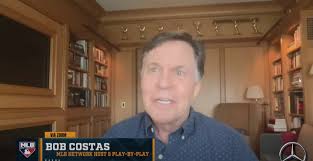
In a world where sports and entertainment collide, few pairings spark as much curiosity as the unexpected camaraderie between legendary sportscaster Bob Costas and hip-hop icon Snoop Dogg. As we dive into the colorful landscape of Olympic broadcasts, Costas recently revealed that he would have welcomed Snoop with open arms on NBC's coverage—an idea that has fans buzzing! What could this dynamic duo have brought to our screens? Join us as we explore the intriguing intersection of athletics and culture, envisioning how their collaboration might have redefined our Olympic viewing experience. Get ready for a journey filled with nostalgia, laughter, and a fresh perspective on two titans from vastly different worlds coming together for one unforgettable event!
Enabling loopback connections in WordPress means making sure your server can make HTTP requests to itself (e.g., calling https://yoursite.com/wp-cron.php from within itself). Loopback is required for: WP-Cron jobs Plugin/theme editors (to verify file write permissions) Some site health checks ( Tools > Site Health ) Automatic updates ✅ What Is a Loopback Request? A loopback is when your WordPress site tries to request a URL from itself using tools like wp_remote_get() or fsockopen() . For example: $response = wp_remote_get ( home_url ( '/wp-cron.php' ) ); If this fails, you might see warnings in Tools > Site Health like: “Your site could not complete a loopback request.” 🛠 How to Enable Loopback Requests Here are the key steps depending on your hosting/server setup: ✅ 1. Make Sure localhost or Domain Resolves Internally Check your server can resolve requests to itself. Use this quick PHP script: Create a file test-loopback.php i...
Comments
Post a Comment