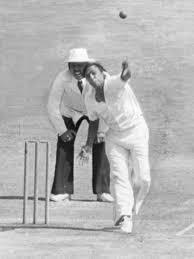
Cricket, the heart and soul of India, has witnessed countless legends who have donned the prestigious blue jersey with pride. But amidst the glory and fame, there remain a handful of exceptionally talented yet unlucky cricketers whose dreams of representing their country were never fulfilled. Today, we shed light on these unsung heroes who missed out on wearing the national colors but left an indelible mark on our hearts with their unmatched skills and unwavering passion for the game. Join us as we unveil the intriguing tales of five unfortunate Indian cricketers who deserved to shine on international grounds but were denied their rightful place in history.
Enabling loopback connections in WordPress means making sure your server can make HTTP requests to itself (e.g., calling https://yoursite.com/wp-cron.php from within itself). Loopback is required for: WP-Cron jobs Plugin/theme editors (to verify file write permissions) Some site health checks ( Tools > Site Health ) Automatic updates ✅ What Is a Loopback Request? A loopback is when your WordPress site tries to request a URL from itself using tools like wp_remote_get() or fsockopen() . For example: $response = wp_remote_get ( home_url ( '/wp-cron.php' ) ); If this fails, you might see warnings in Tools > Site Health like: “Your site could not complete a loopback request.” 🛠 How to Enable Loopback Requests Here are the key steps depending on your hosting/server setup: ✅ 1. Make Sure localhost or Domain Resolves Internally Check your server can resolve requests to itself. Use this quick PHP script: Create a file test-loopback.php i...
Comments
Post a Comment